By: Jeff Hirz
The best SEO tool depends on the job you need it to do. A technical SEO team needs a crawler. A content team needs briefs, topical coverage, and optimization guidance. An agency needs rank tracking, client dashboards, and repeatable reporting. A business owner may need a simple way to see which pages get clicks from Google and which issues need attention first.
OuterBox has used SEO software across audits, migrations, ecommerce SEO programs, content planning, rank tracking, and client reporting for more than 20 years. This guide is a practical shortlist, not a universal ranking. Use it to decide which tools belong in your stack and which ones can wait.
What Makes a Good SEO Tool Worth Paying For
A good SEO tool should help you make better decisions, not just produce more charts. Before adding another subscription, look for software that gives your team cleaner data, faster diagnosis, stronger prioritization, or clearer reporting than you can get from free tools alone.
The strongest SEO stacks usually cover a few core jobs:
- Keyword, competitor, backlink, and visibility research.
- Technical crawling, site health, and indexation checks.
- First-party Google data for queries, pages, behavior, and conversions.
- Reporting tools that help teams explain SEO work clearly.
- Content tools that support original expertise instead of replacing it.
- Practical caveats that buyers should understand before subscribing.
The list below is organized by fit. It starts with broad SEO platforms, moves into technical and Google-owned tools, then covers reporting and content-specific software.
Quick Comparison
| Tool | Best For | Caveat |
|---|---|---|
| Semrush | Teams that want one broad SEO and visibility suite | It can feel like too much platform if you only need one workflow. |
| Ahrefs | Competitor, backlink, keyword, and AI visibility research | The data is powerful, but teams need process discipline. |
| Moz Pro | Teams that want approachable SEO fundamentals | It may not be the deepest option for advanced competitive research. |
| Screaming Frog SEO Spider | Technical crawls and audit QA | The desktop workflow is built for technical users. |
| Google Search Console | First-party Google query and indexing data | It only covers verified properties and Google organic search. |
| Google Analytics 4 | Behavior and conversion context | It does not explain rankings by itself. |
| Looker Studio | SEO dashboards and shared reporting | Reports are only as clean as the data model behind them. |
| Google Keyword Planner | Directional keyword demand and paid-search context | Search-volume ranges are directional for SEO planning. |
| SE Ranking | Agency rank tracking and reporting | Confirm plan limits and keyword refresh needs before choosing. |
| Sitebulb | Visual technical SEO audits | The tool still requires SEO judgment to prioritize issues. |
| Lumar | Enterprise website intelligence and governance | It is usually more platform than a small site needs. |
| Surfer | Content optimization and AI visibility workflows | It should guide editors, not replace original expertise. |
| Clearscope | Editorial content optimization | It is a content tool, not a full technical SEO platform. |
| MarketMuse | Content planning and topic authority | Better for strategy than quick tactical cleanup. |
| AgencyAnalytics | Client-facing SEO reporting dashboards | Dashboard quality depends on clean source data and KPI choices. |
Best SEO Tools and Reporting Software Shortlist
Semrush: Best for teams that want one broad SEO and visibility suite
Semrush is the broadest fit on this list for teams that want keyword research, competitive research, rank tracking, site audits, content optimization, local visibility, advertising context, and reporting in one place. The current Semrush feature set also includes AI visibility, which matters as teams try to understand how their brand appears in AI-assisted search environments.
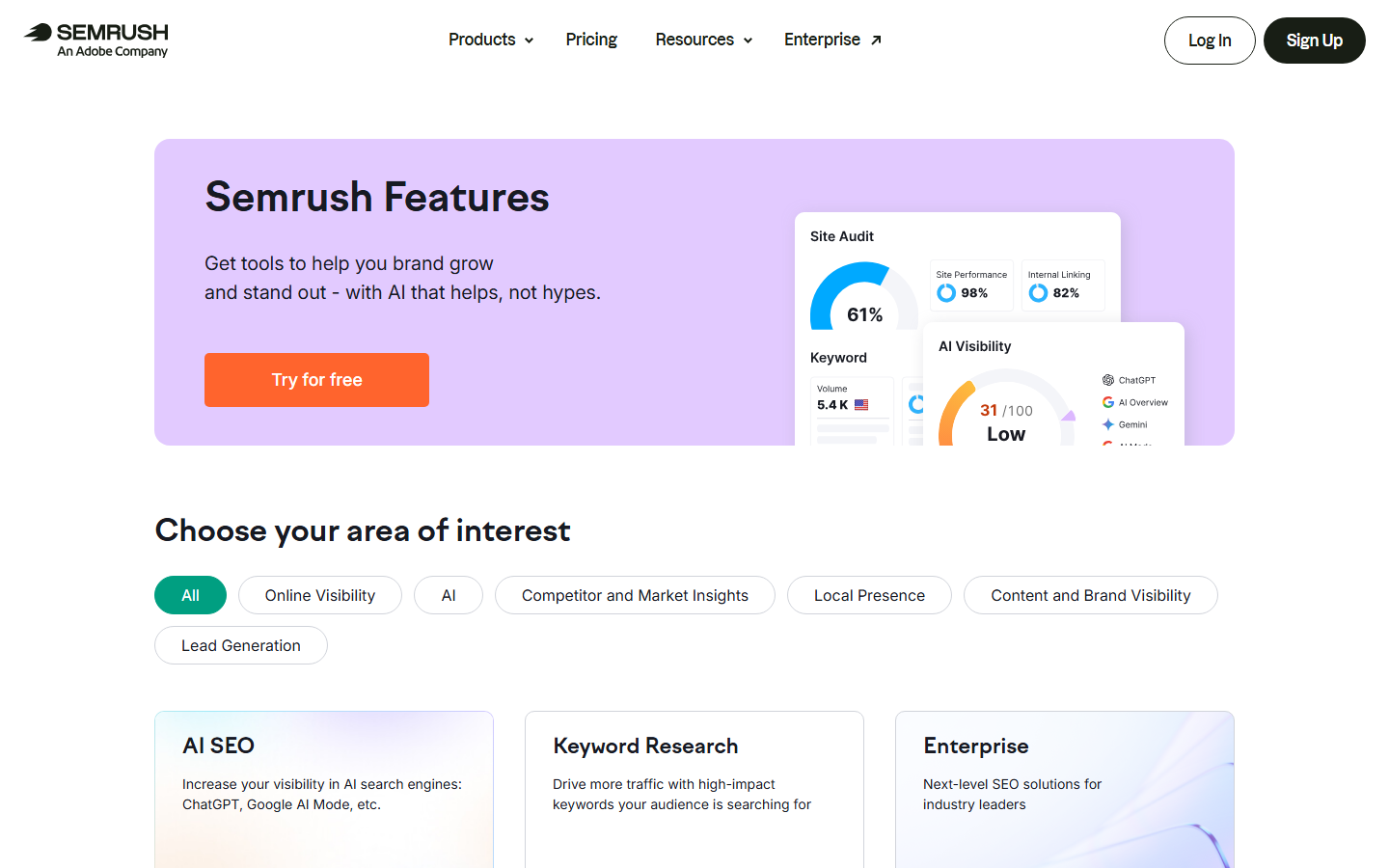
Semrush is a good fit when a marketing team wants one platform for recurring SEO work instead of a stack of smaller tools. It can help with keyword discovery, competitor gaps, technical checks, content planning, and ongoing reporting.
Caveat: breadth is the tradeoff. If your team only needs a crawler, a dashboard, or a content brief tool, Semrush may be more platform than you need.
Ahrefs: Best for competitor, backlink, keyword, and AI visibility research
Ahrefs is one of the strongest tools for competitive SEO research. Its current product lineup includes Site Explorer, Keywords Explorer, Rank Tracker, Site Audit, Content Explorer, GSC Insights, dashboards, portfolios, report builder, and AI visibility tools such as Brand Radar and custom prompt tracking.
Ahrefs is especially useful when you need to understand why competitors are winning: which pages bring traffic, which topics they own, what links support them, and where your site has gaps. It also fits content teams that need to validate topics before building a calendar.
Caveat: Ahrefs can create analysis overload. It works best when someone owns the SEO process and turns the data into decisions.
Moz Pro: Best for teams that want approachable SEO fundamentals
Moz Pro is a familiar SEO software name for teams that want keyword, link, rank tracking, and site-audit workflows without starting from the most complex enterprise platform. It is often a good fit for marketers who need understandable SEO metrics, education, and a cleaner starting point for recurring optimization.
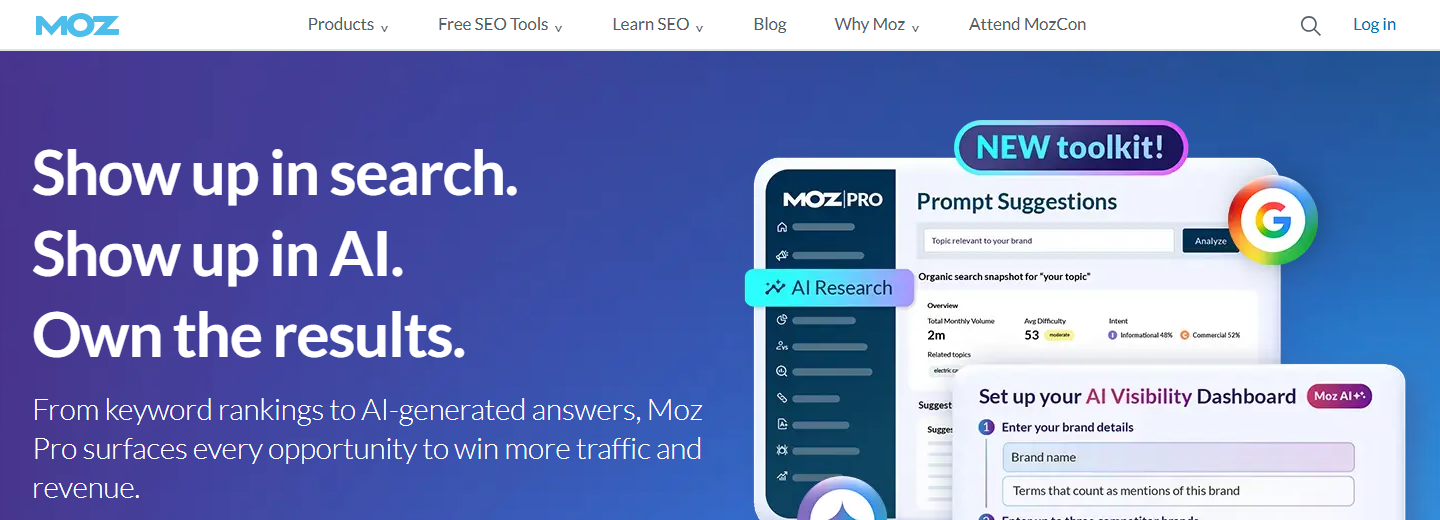
Moz Pro can support keyword research, link analysis, rank monitoring, and on-page checks. It is useful when a team wants SEO fundamentals in one suite and does not need every advanced competitive data feature on day one.
Caveat: advanced SEO teams may still pair Moz with a deeper crawler, backlink, or enterprise reporting tool.
Screaming Frog SEO Spider: Best for technical crawls and audit QA
Screaming Frog SEO Spider is a crawler built for technical SEO work. It is useful for finding issues such as broken links, redirect chains, duplicate titles, missing metadata, canonical problems, crawl-depth problems, thin pages, and exportable page-level data.
This is the kind of tool an SEO uses before a migration, after a launch, during a technical audit, or when a site has thousands of URLs that cannot be checked manually. It also works well alongside Search Console and analytics data because it shows the site structure behind the performance.
Caveat: Screaming Frog is not a beginner dashboard. Someone needs to know what to crawl, which settings matter, and which issues are worth fixing first.
Google Search Console: Best for first-party Google query and indexing data
Google Search Console is essential because it comes directly from Google. It shows which queries bring users to your site, along with impressions, clicks, average position, indexing issues, sitemap data, URL inspection, Core Web Vitals reporting, and other search appearance signals.
Every SEO program should use Search Console. It is the best starting point for understanding which pages already earn organic visibility and which pages may be blocked by indexing, crawl, or search appearance issues.
Caveat: Search Console only covers verified properties and Google organic search. It does not replace competitor research, technical crawling, or analytics.
Google Analytics 4: Best for behavior and conversion context
Google Analytics 4 helps connect organic traffic to what users do after they land on the site. Google describes GA4 as event-based measurement for websites and apps, with privacy controls, key event modeling, predictive capabilities, and media integrations.
For SEO, GA4 is useful when rankings and clicks are not enough. It can show whether organic visitors engage, convert, start forms, view products, or move through the site in ways that support revenue.
Caveat: GA4 does not tell you why a page ranks or why a keyword moved. Use it with Search Console and SEO tools, not instead of them.
Looker Studio: Best for SEO dashboards and shared reporting
Looker Studio turns data into interactive dashboards and reports. It is especially useful when SEO data needs to be shared with executives, clients, developers, or channel owners who do not live inside Search Console, GA4, rank tracking tools, or spreadsheets.
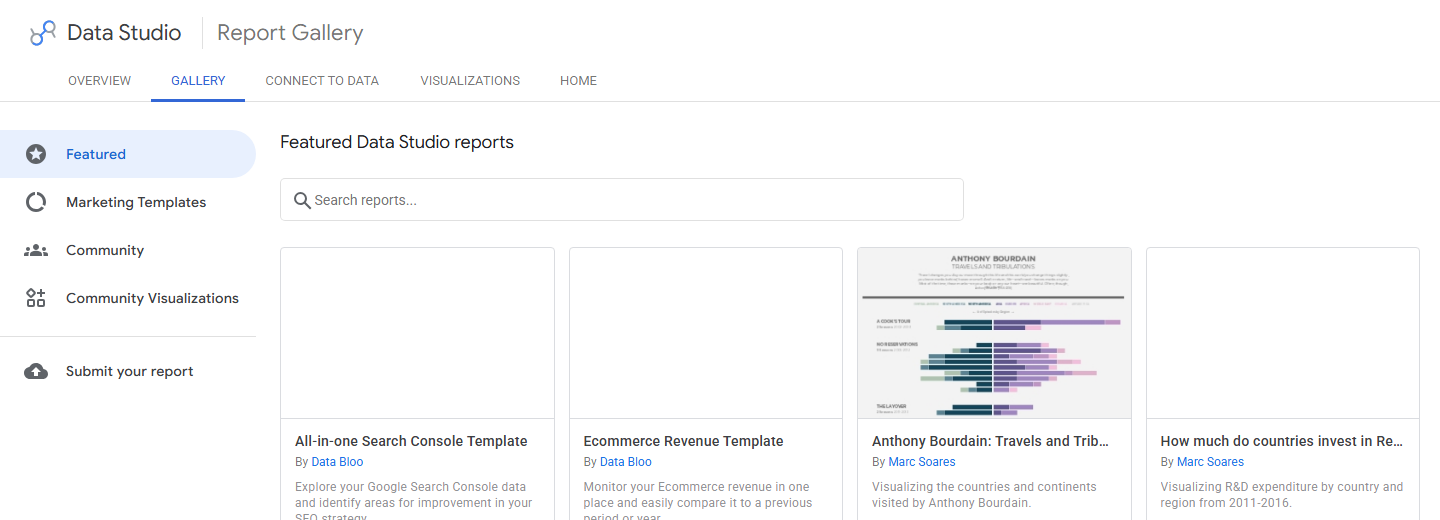
Looker Studio can pull data through built-in and partner connectors, visualize performance trends, and create dashboards that combine SEO with paid media, ecommerce, CRM, or call tracking data.
Caveat: dashboards can create false confidence if the source data is messy. Define KPIs and data rules before treating a dashboard as truth.
Google Keyword Planner: Best for directional keyword demand and paid-search context
Google Keyword Planner is a Google Ads tool, but it can still help SEO teams understand keyword themes, related terms, and paid-search demand. It is useful when a team wants to compare SEO opportunities with paid-search intent or build an early keyword universe before using deeper SEO tools.
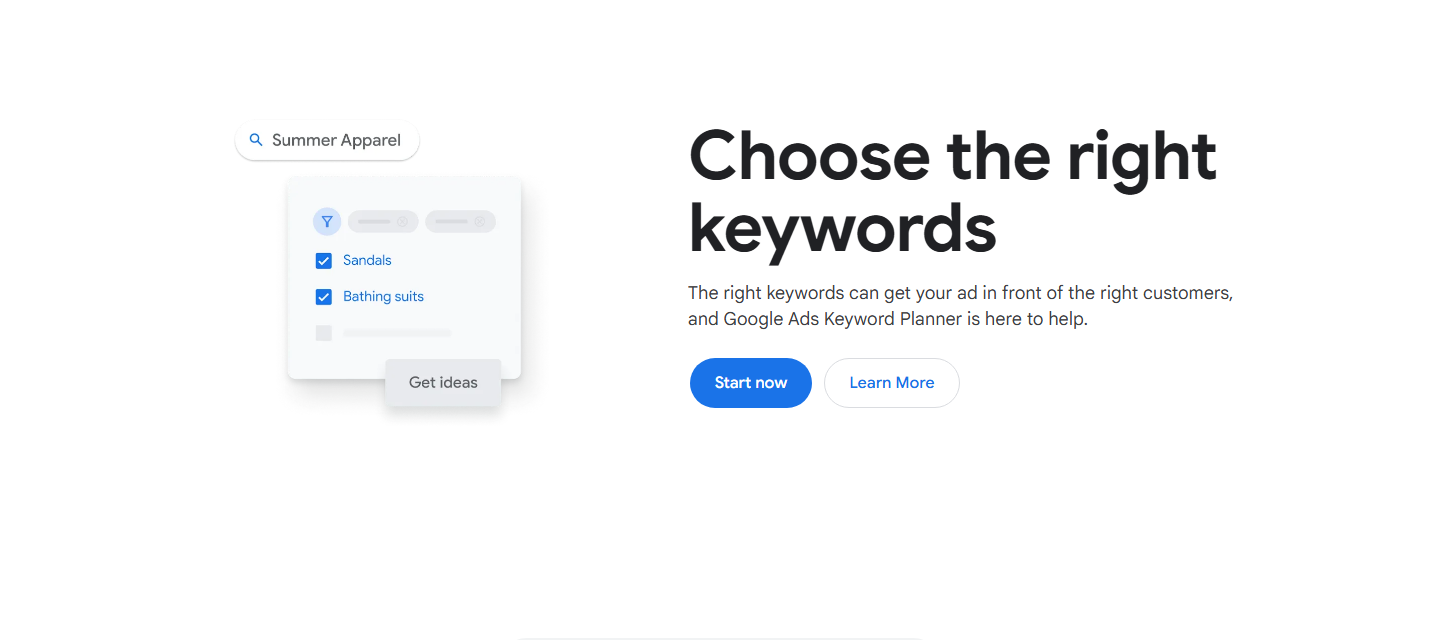
Keyword Planner is strongest as a directional input. It can help identify how people search, which terms cluster together, and where paid competition may signal commercial intent.
Caveat: it is not a full SEO keyword research platform. Volume ranges, account context, and paid-search framing make it a starting point, not the final keyword plan.
SE Ranking: Best for agency rank tracking and reporting
SE Ranking is a good fit for agencies and growing teams that need rank tracking, keyword research, website audit, competitor analysis, backlink checking, on-page checks, dashboards, report builder, and agency-oriented features in one platform. Its current feature set also includes AI search tracking tools.
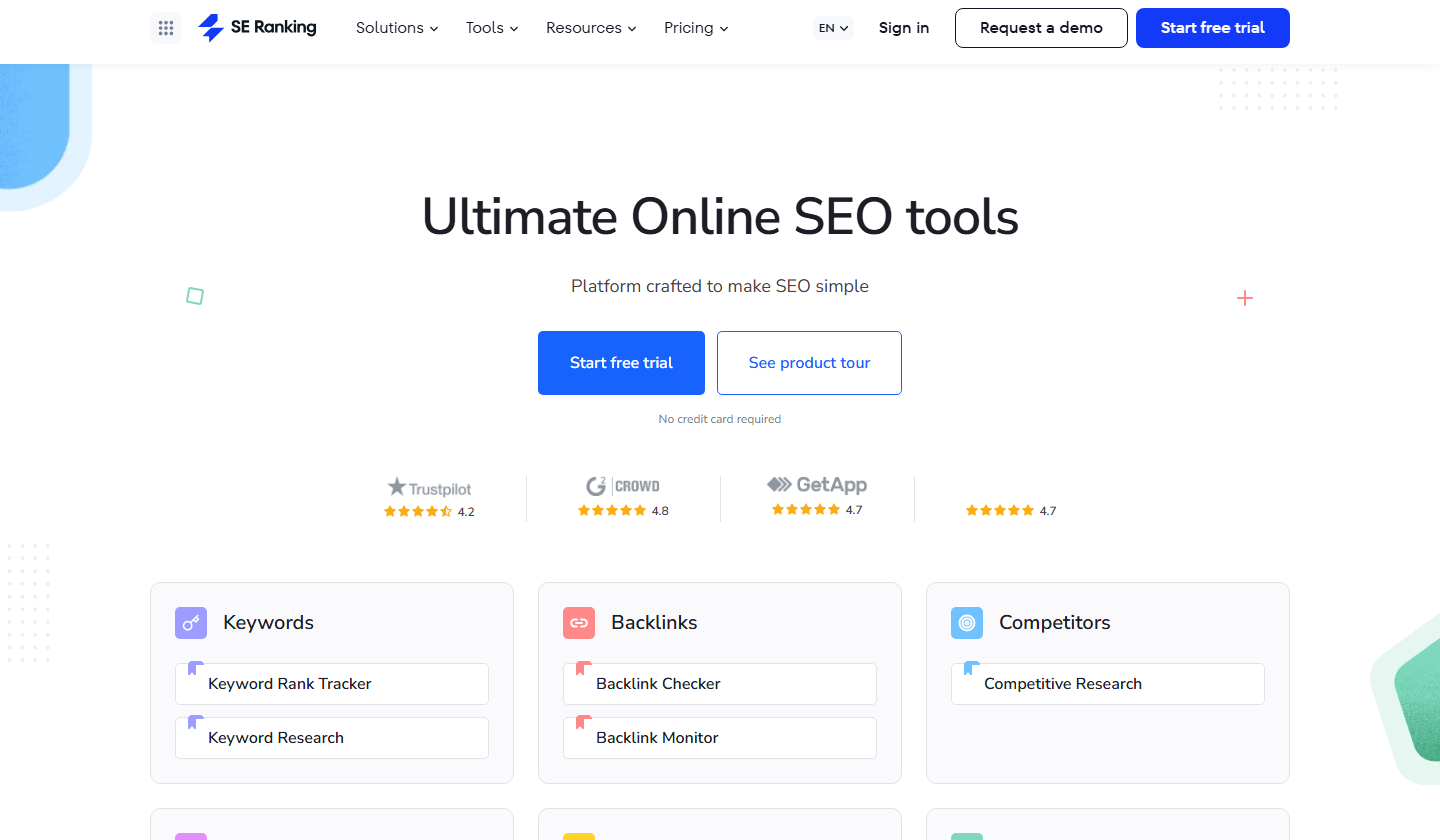
SE Ranking works well when recurring reporting matters. Agencies can track keywords across locations and devices, monitor competitors, audit sites, and package the work into reports.
Caveat: check plan limits, keyword refresh frequency, and reporting needs before choosing. The right fit depends on how many projects and tracked keywords you manage.
Sitebulb: Best for visual technical SEO audits
Sitebulb is a technical SEO crawler with desktop and cloud options. It is useful when an SEO audit needs crawl data, hints, charts, and visual explanations that make technical findings easier to communicate.
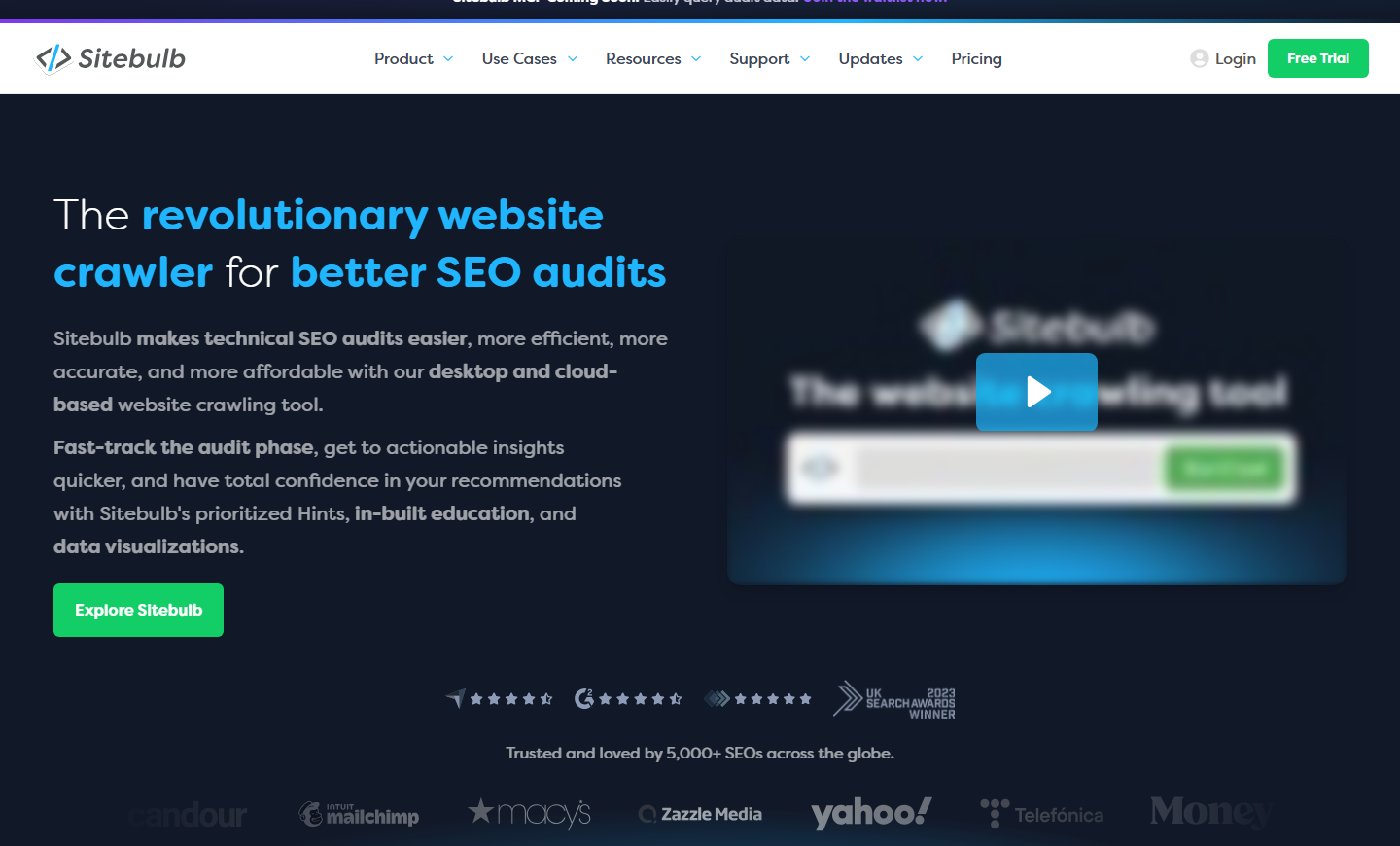
Sitebulb fits teams that want more guided audit interpretation than a spreadsheet-only crawl. It can be helpful for agencies, in-house SEOs, and developers working through site architecture, internal linking, indexability, and technical quality issues.
Caveat: visual reports do not remove the need for prioritization. A crawl can find hundreds of issues, but only some will matter for rankings, crawl efficiency, or conversions.
Lumar: Best for enterprise website intelligence and governance
Lumar is built for larger sites that need ongoing website intelligence across SEO, AI search, site speed, accessibility, and broader site health. It is more appropriate for enterprise teams that need monitoring, governance, and cross-team visibility than for a small site running occasional audits.
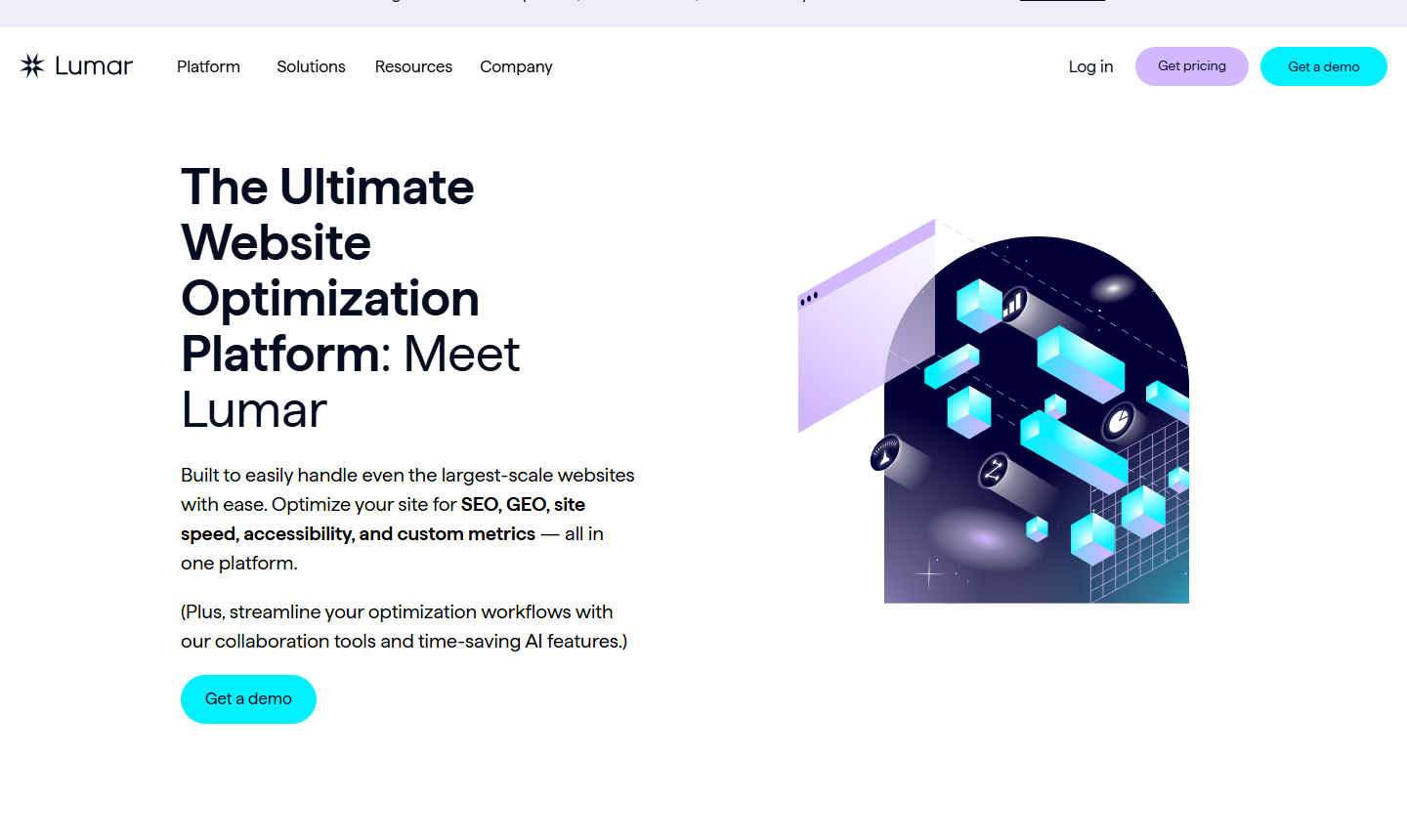
Lumar can help when SEO issues are not one-time fixes. Large sites need repeatable checks, trend visibility, and workflows that help SEO, engineering, product, and accessibility teams stay aligned.
Caveat: Lumar is usually more platform than a small business needs. Start here when the site and organization are complex enough to justify enterprise governance.
Surfer: Best for content optimization and AI visibility workflows
Surfer is a content optimization platform focused on organic growth and AI visibility. It is useful for teams that need help turning search intent, competing pages, terms, structure, and content scoring into an editorial workflow.
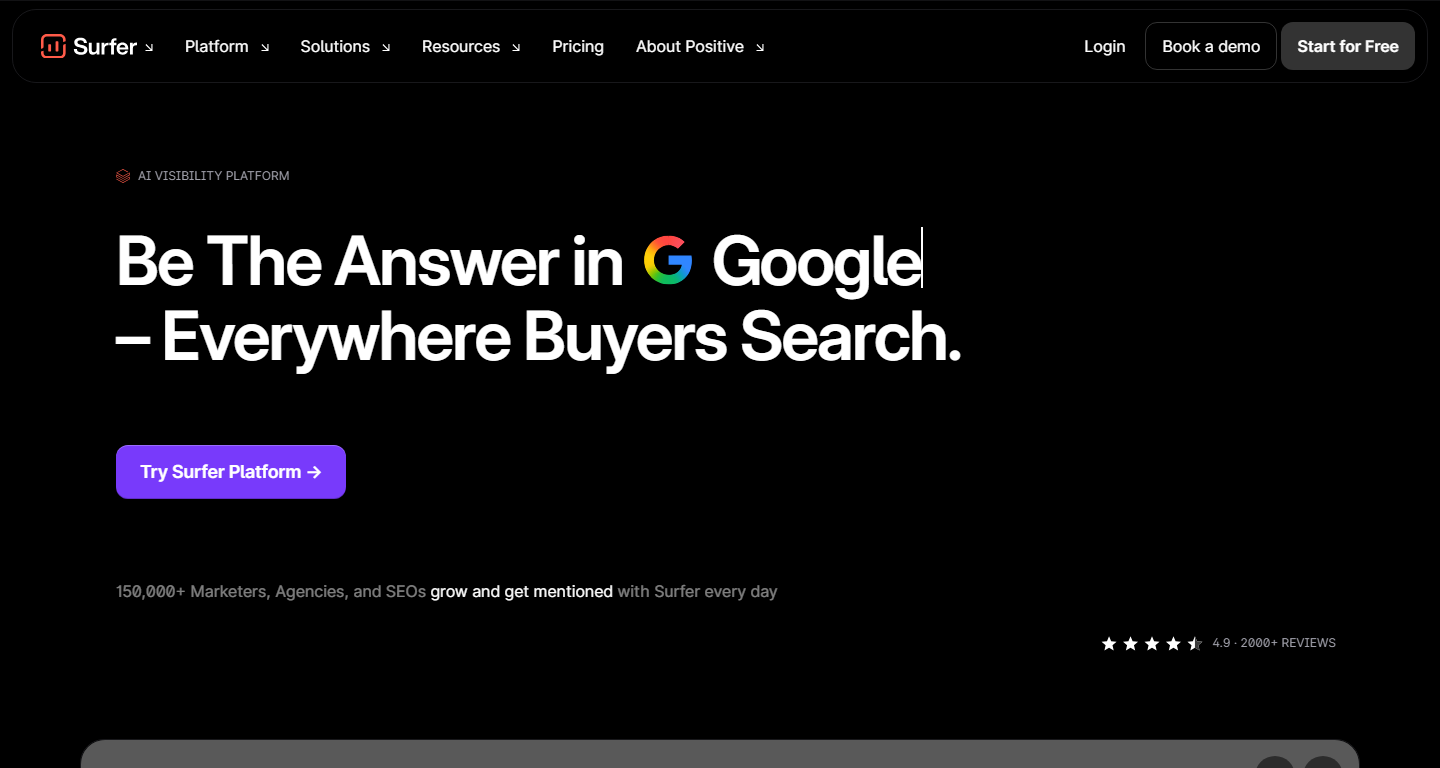
Surfer can support briefs, content optimization, and updates to pages that need stronger topical coverage. It works best when the team already has real expertise and uses the tool to sharpen coverage rather than write generic copy.
Caveat: optimization scores should not become the strategy. A page can include the recommended terms and still fail if it lacks original insight, examples, proof, or a clear buyer angle.
Clearscope: Best for editorial content optimization
Clearscope helps content teams improve discoverability in Google and AI search by comparing drafts against topic expectations and related terms. It is a strong fit for editors, content strategists, and SEO teams that want a clear way to improve page coverage before publishing.
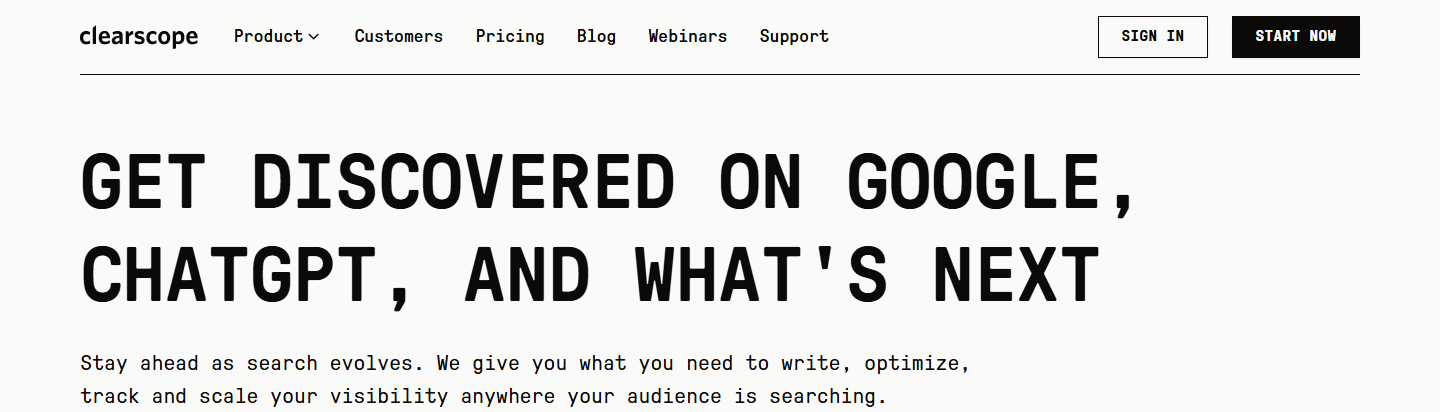
Clearscope is useful when a content team already knows what it wants to say but needs to make sure the piece covers the subject thoroughly. It can help reduce underdeveloped sections and missed subtopics.
Caveat: Clearscope is not a technical SEO platform. Pair it with crawlers, Search Console, analytics, and rank tracking if the site has broader SEO problems.
MarketMuse: Best for content planning and topic authority
MarketMuse focuses on AI content planning and optimization. It is useful for teams that need to understand topic depth, content gaps, page quality, and how multiple pieces fit into a broader content strategy.
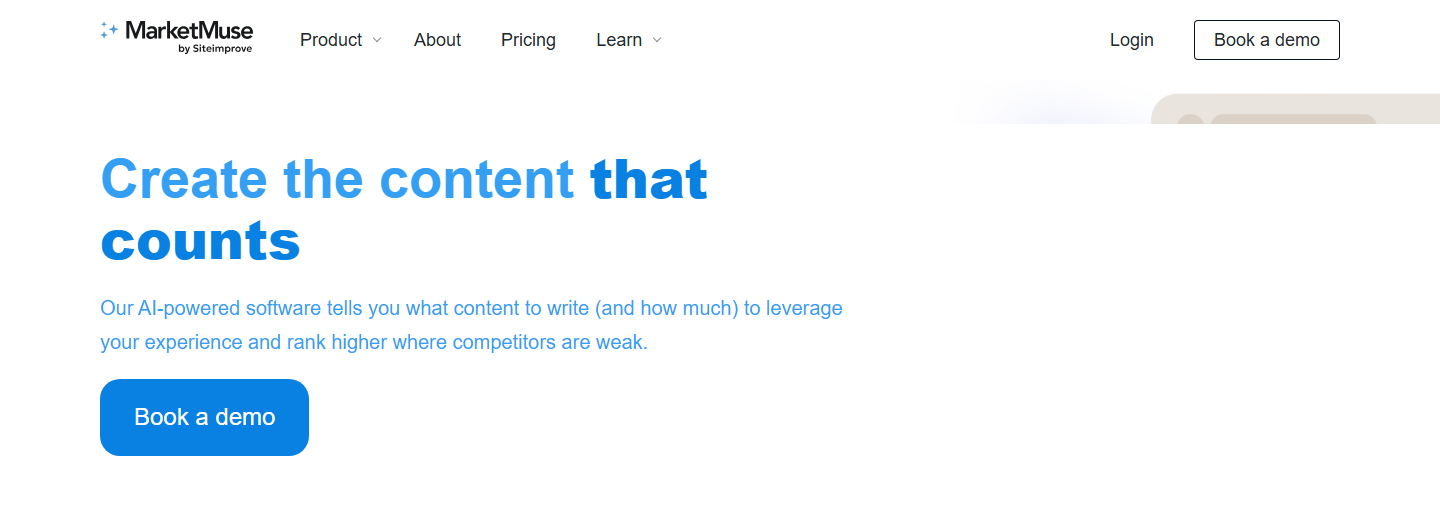
MarketMuse fits teams building content hubs, refreshing libraries, or trying to decide which pages need improvement first. It is more strategic than a simple keyword list because it helps evaluate coverage and authority across topics.
Caveat: it is better for planning and optimization than quick tactical cleanup. Teams still need subject-matter expertise and editorial judgment.
AgencyAnalytics: Best for client-facing SEO reporting dashboards
AgencyAnalytics is built around automated client reporting for marketing agencies. It can help agencies bring rank tracking, analytics, PPC, call tracking, and other marketing data into dashboards and scheduled reports.
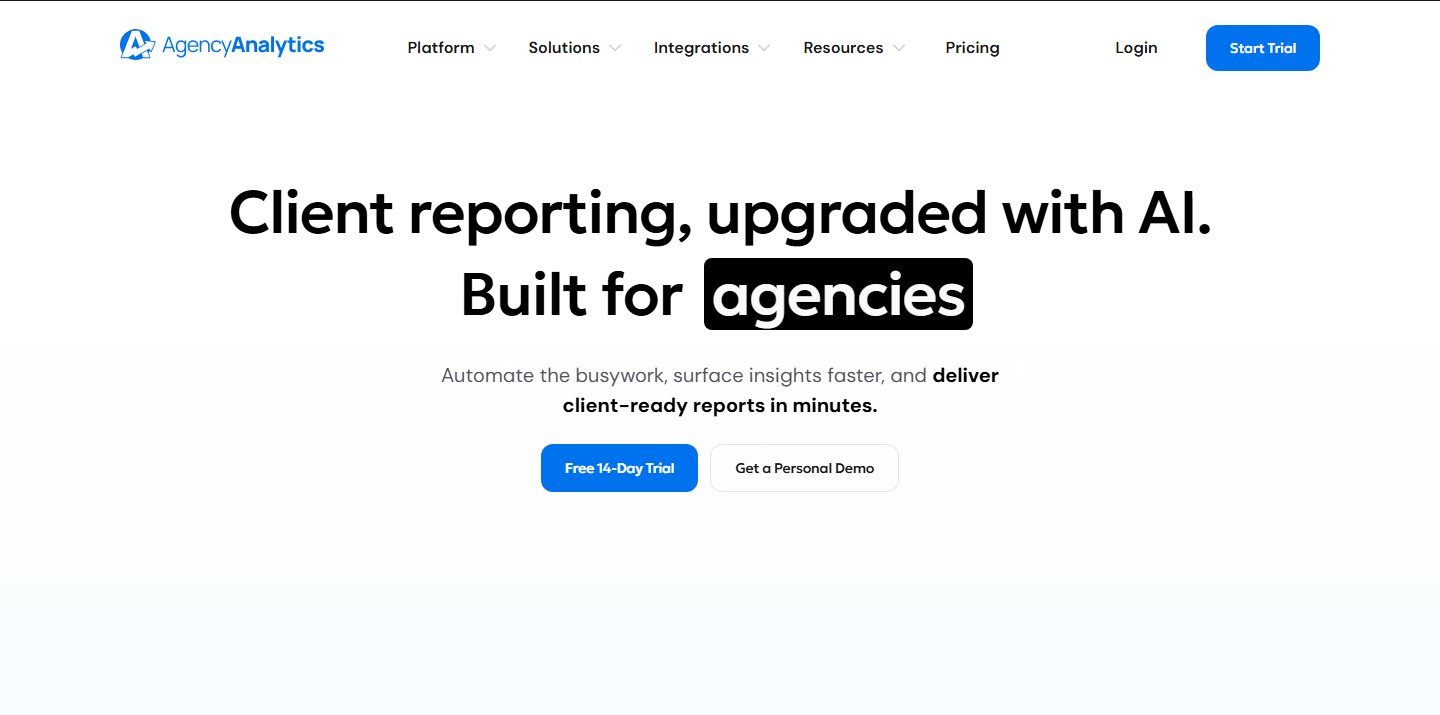
For SEO agencies, the value is communication. Clients need to understand what changed, what work was done, which KPIs matter, and where the next priority sits. A good dashboard can make the SEO program easier to manage.
Caveat: reporting software does not make bad data better. Define goals, filters, conversions, and source-of-truth rules before automating reports.
How to Choose the Right SEO Tool Stack
Start with the work, not the software category.
If you need one broad SEO platform, compare Semrush, Ahrefs, Moz Pro, and SE Ranking first. If your biggest risk is technical debt, start with Screaming Frog, Sitebulb, or Lumar depending on site size. If the question is “what is Google actually showing for our site,” Search Console should be open before any paid tool. If the question is “what did organic traffic do after the click,” use GA4.
If reporting is the bottleneck, Looker Studio or AgencyAnalytics may matter more than buying another research platform. If content quality is the bottleneck, Surfer, Clearscope, or MarketMuse can help, but only when paired with real expertise and a clear editorial process.
Ask these questions before choosing:
- Are we solving research, technical SEO, reporting, content, or executive communication?
- Do we need one all-in-one platform or a few specialized tools?
- How many domains, keywords, users, and reports do we need?
- Who will own setup, QA, and recurring maintenance?
- Can we connect Search Console, GA4, CRM, ecommerce, and call tracking data cleanly?
- Will the tool help us make decisions, or will it just create more dashboards?
Most teams do not need every tool on this list. A practical SEO stack often starts with Search Console, GA4, a crawler, one research platform, one reporting layer, and one content workflow tool if content is a major growth lever.
Frequently Asked Questions About SEO Tools
What is the best SEO tool?
There is no single best SEO tool for every team. Semrush and Ahrefs are strong all-in-one research platforms, Screaming Frog is a technical crawler, Search Console is first-party Google performance data, Looker Studio is a reporting layer, and tools like Surfer, Clearscope, and MarketMuse support content workflows.
What SEO tools should beginners use first?
Start with Google Search Console and Google Analytics 4 because they show how your own site performs. Add a crawler such as Screaming Frog when you need technical checks. Use a broader platform like Semrush, Ahrefs, Moz Pro, or SE Ranking when you are ready for keyword, competitor, and rank tracking work.
Are free SEO tools enough?
Free tools are enough for basic monitoring and early SEO work, especially Search Console, GA4, Looker Studio, Keyword Planner, and Google Trends. Paid tools become more useful when you need competitor research, large-scale crawling, rank tracking, backlink analysis, content optimization, or client reporting.
Is Semrush or Ahrefs better?
Semrush is often a better fit for teams that want one broad platform covering SEO, content, local, paid, competitive, and visibility workflows. Ahrefs is often a better fit for deep competitor, backlink, keyword, content, and AI visibility research. The right choice depends on how your team works.
Do SEO tools improve rankings by themselves?
No. SEO tools identify opportunities, risks, and performance trends. Rankings improve when a team uses that information to fix technical issues, improve pages, build useful content, strengthen internal links, earn authority, and measure the right outcomes.
How many SEO tools does a business need?
Most businesses need fewer tools than they think. A lean stack can include Search Console, GA4, one crawler, one research or rank tracking platform, and one reporting layer. Add content or enterprise tools only when the workflow justifies them.
Need Help Choosing and Using SEO Tools?
The tool is only part of the SEO system. The harder work is deciding what to measure, which pages to improve, what technical issues matter, and how to turn data into revenue.
If you need help building the right SEO process, OuterBox’s SEO team can audit your current stack, identify the gaps, and prioritize the work that is most likely to move organic performance.
Best SEO Tools and Reporting Software
Are You Ready to Rank #1
We’ll get back to you within 24 hours, Monday–Friday. Prefer to talk now? Call 1-866-647-9218 (9–5 EST).
Services
"*" indicates required fields