By: Craig Smith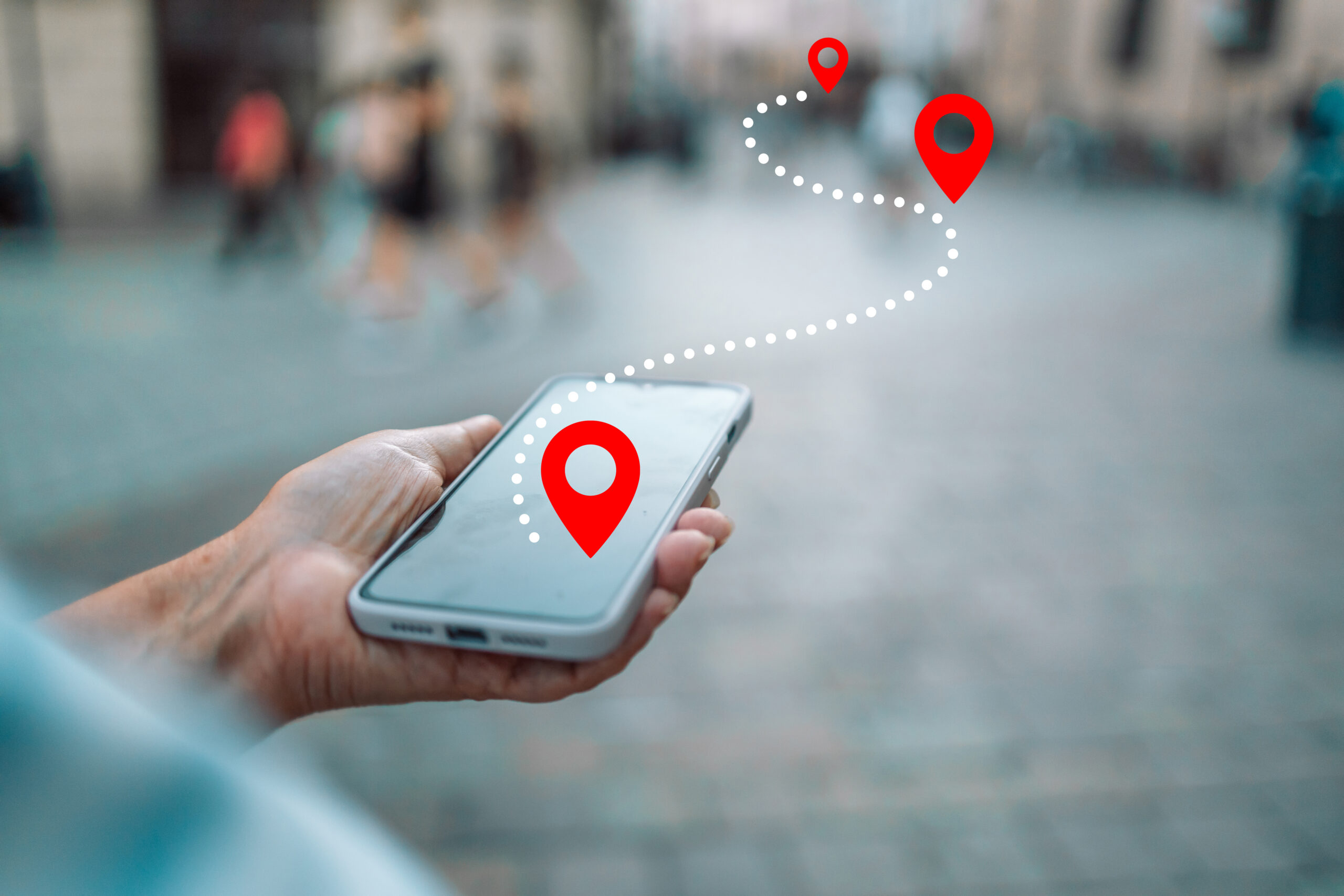
The goal? To guide your customers seamlessly from their digital screens to your physical storefronts, transforming their online searches into real-world shopping journeys. Let’s talk about why you need a mobile store locator and what you should include to make it an effective tool for your business.
Why You Need a Mobile Store Locator
Google data shows that 40 percent of mobile searches are locally-minded, meaning when we search on our phones, we are usually looking to buy a product or service nearby. Moreover, 75 percent of mobile searches result in further action, such as a purchase or extended exploration of the product. This, plus the expected addition of mobile user experience to Google’s ranking factors, makes having an informative phone- and tablet-optimized location page crucial to conversions.
Essential Mobile Store Locator Tools
Econsultancy‘s David Moth recently rounded up stellar examples of mobile store locator tools that serve as a great jumping-off point for crafting your own. Here are some of the standout features we loved.
Geo-Location
This should be the first task on your mobile checklist. Geo-location automatically suggests the nearest store to the mobile user based on their IP address or GPS signal. The fewer clicks and less typing a customer is forced to do, the sooner they can head on over to your business.
Relevant Store Information
Be sure to prioritize important information that will help convince the customer they’ve chosen the right location to visit. Post store hours, phone numbers, email addresses and, of course, your street address. If you’ve made a USPS address change, be sure to update the address. Adding any unique details about a specific location, such as if it’s wheelchair-accessible, has baby changing table availability or has an in-house expert, is also essential.
Interactive Map
Give users the option to scroll around and zoom in on your map. This simplifies the process of figuring out transportation and provides users with the familiarity and functionality of Google Maps, which is what most are used to.
Transportation Information
In addition to being very easy to find within the app, John Lewis’ locator feature is exemplary for its comprehensive list of transportation options to each of its stores. One click gets you to the nearest subway stop, parking information and any related fees that may pop up along the way.
Link Location
If users can’t find your store locator page, they can’t find you. Spotlight your tool in your top navigation simply as “Shops,” “Locations,” or go with “Store Finder” like clothing retailer Schuh did.
OuterBox Is Here to Serve You
OuterBox understands the nuances of crafting an experience that bridges the gap between online browsing and in-store shopping. Our team is ready to help you with all your online marketing needs, including SEO, paid search, web design and more. Request a free estimate, and let’s rev up your website’s earning potential!