By: Adam Littell
eCommerce management is the daily work of keeping an online store accurate, fast, searchable, and easy to buy from. That work matters more each year: the U.S. Census Bureau estimated first-quarter 2026 U.S. retail ecommerce sales at $326.7 billion, or 16.9% of total retail sales.
A good ecommerce CMS makes that work easier, but the CMS is only one part of the system. Store owners still need clean product data, reliable inventory, useful category pages, connected order and customer data, steady SEO upkeep, and a maintenance rhythm that keeps the site improving after launch.
What Is eCommerce Management?
eCommerce management is the operating system behind an online store. It includes the visible work customers notice, such as products, categories, navigation, search, promotions, and checkout. It also includes the backstage work that keeps the store dependable: inventory feeds, pricing rules, ERP or CRM connections, shipping settings, analytics, SEO fields, redirect hygiene, and platform updates.
The current article used a CMS lens, and that remains the right starting point. A content management system lets a business user edit website content without writing code. An ecommerce content management system goes further because the content is tied to products, customers, orders, and revenue.
For a small catalog, ecommerce management might mean updating product pages, creating sale banners, reviewing stock status, and checking orders every morning. For a larger ecommerce business, it can involve multiple teams: merchandising, marketing, development, finance, operations, customer service, and leadership all touching the same store data.
Start With Ecommerce Website Management Foundations
The look of the store still matters. ecommerce web design affects trust, navigation, product discovery, and conversion. But design alone will not make a store manageable. The stronger question is whether the site lets the business keep improving without creating avoidable friction for customers or staff.
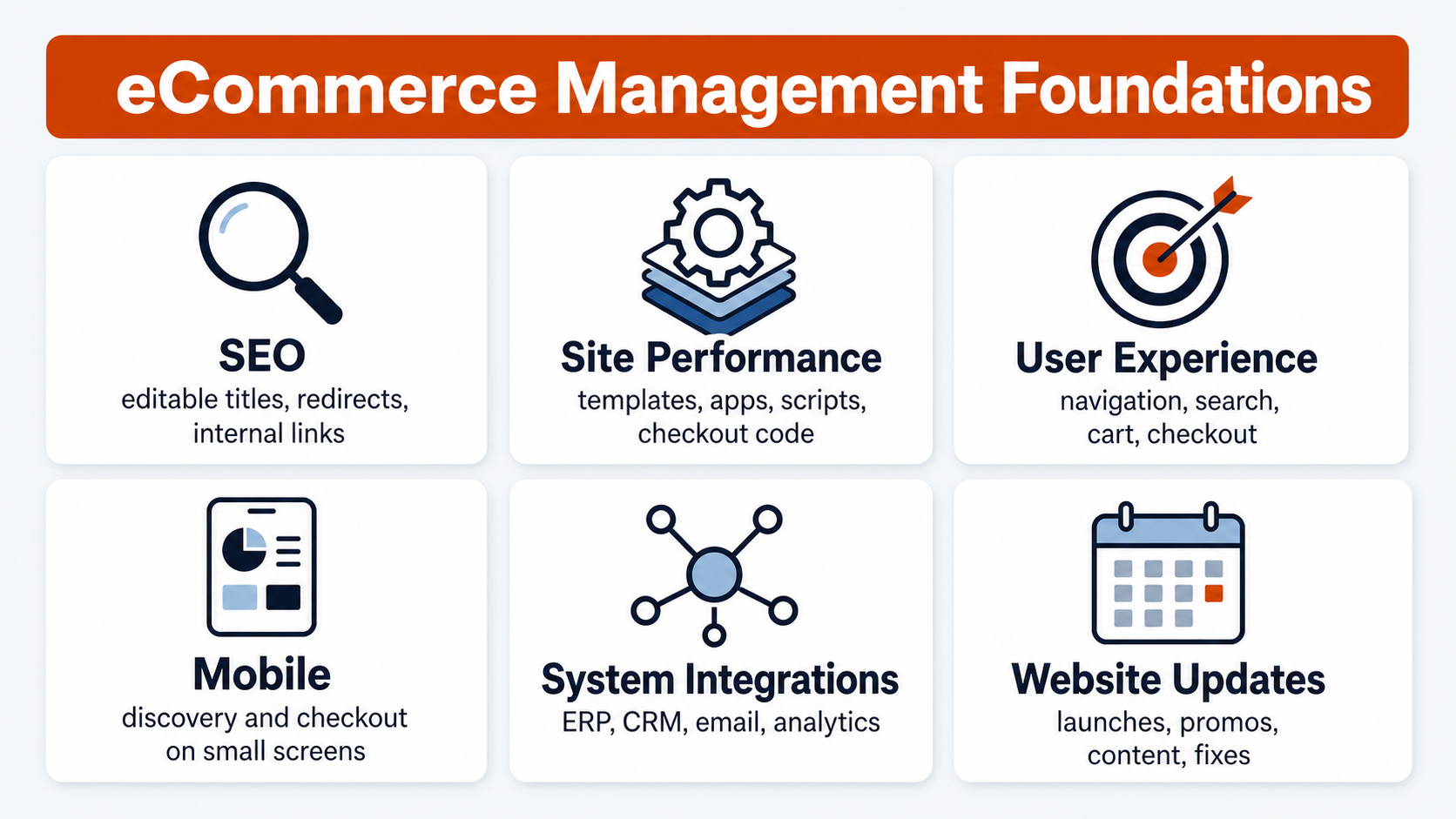
Every ecommerce management plan should define ownership for these foundations:
- SEO: Product, category, and content pages need editable title tags, descriptions, headings, canonicals, redirects, and internal links.
- Site performance: Templates, apps, tracking scripts, image handling, and checkout code all affect speed and user experience.
- User experience: Navigation, filters, site search, product information, cart behavior, and checkout steps should be reviewed as customers actually use them.
- Mobile: Product discovery and checkout need to work on mobile screens instead of only scaling down from desktop.
- System integrations: ERP, CRM, email, SMS, analytics, and payment systems should reduce manual work instead of creating data cleanup.
- Website updates: Promotions, product launches, seasonal changes, content updates, and bug fixes need a clear process.
The management problem is usually not that nobody knows a product needs to be updated. The problem is that no one knows who owns the update, which field controls the display, whether the change affects search visibility, and what needs to be checked after it goes live.
What an eCommerce CMS Should Let You Control
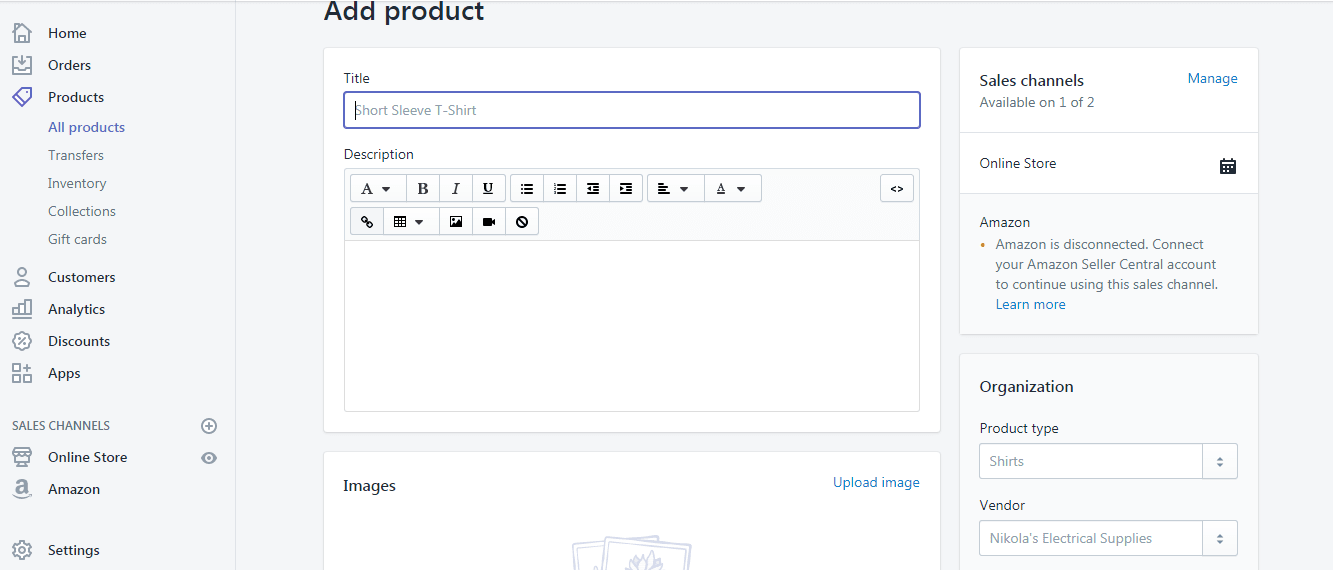
An ecommerce CMS should let business users make routine store updates without waiting on a developer for every product, content, or promotion change. At minimum, the system should make it easy to manage page content, product information, categories or collections, navigation, images, and basic SEO fields.
Shopify’s product documentation is a useful example of the kind of control store teams usually need. A product can include a title, description, media, pricing, inventory levels, variants, tags, metafields, and other details, and teams can manage products through individual edits, bulk actions, collections, the bulk editor, or CSV files.
That does not mean Shopify is always the right platform. The preserved article named Shopify, nopCommerce, and WooCommerce because all three can be valid choices depending on business requirements. The point is that the management layer should match the work your team does every week.
A useful ecommerce CMS should help a team answer questions like:
- Can marketers update landing pages, sale pages, and category copy without breaking templates?
- Can product teams manage variants, attributes, bundles, and discontinued products cleanly?
- Can SEO teams edit titles, descriptions, redirects, canonical tags, and indexation rules?
- Can operations teams control shipping, tax, stock, and order settings without risky workarounds?
- Can developers add custom features without making the admin harder for everyone else?
Manage Ecommerce Product Data Like a Revenue System
The original article’s product checklist is still right. An ecommerce CMS should let you manage product names, SKUs, images, descriptions, purchase price data, sale price data, stock data, and product attributes such as color, size, material, finish, fitment, or compatibility.
The refresh adds one important point: product data is not just page content. Product data decides what customers can find, compare, filter, trust, and buy.
Strong ecommerce product management usually includes:
- Consistent naming: Product names should be clear to buyers and consistent enough to support search, filters, and internal reporting.
- Complete descriptions: Product copy should answer the buying questions that stop people from adding to cart.
- Accurate media: Images, videos, diagrams, and downloadable files need version control and accessibility-friendly alt text.
- Variant logic: Size, color, configuration, replacement part, and compatibility options need a clean structure.
- Pricing and promotion fields: Sale pricing, compare-at pricing, MAP restrictions, coupons, customer-group pricing, and bundles need defined ownership.
- Inventory status: Stock, backorder, preorder, discontinued, and substitute-item rules need to be accurate and visible.
- Attribute governance: Filters and faceted navigation depend on clean attributes. Messy data creates messy browsing.
For SEO, product data also controls category depth and crawl quality. Google’s ecommerce URL guidance warns that poor URL structure, duplicate product paths, temporary parameters, and inconsistent canonical signals can waste crawl attention or cause Google to miss useful content. Management teams should treat product data cleanup as search work rather than simple admin work.
Connect Ecommerce Inventory, Orders, Customers, and Promotions
eCommerce content management also includes orders, customers, promotions, shipping, and reporting. Those items were in the original article, and they deserve more weight because they shape how the store actually runs.

Inventory and order data should connect to the systems the business already uses. For some stores, that means a light app stack. For others, it means an ERP ecommerce integration that syncs product, customer, order, fulfillment, and accounting data. The management goal is not to connect systems for its own sake. The goal is to reduce duplicate entry, prevent conflicting numbers, and give teams one trusted view of what is happening.
Promotions also need management rules. A discount code can affect margin, inventory, paid media, email, and customer service. Before a promotion goes live, the store team should know which products are eligible, whether the offer stacks with other discounts, when it expires, what happens when inventory runs low, and how performance will be measured.
Customer data needs the same care. B2C ecommerce teams may manage loyalty segments, abandoned cart flows, post-purchase campaigns, and product recommendations. B2B ecommerce teams may need account-specific catalogs, quote workflows, purchase approvals, tax-exempt accounts, saved lists, or negotiated pricing. Those are management requirements that shape the store well beyond design preferences.
Keep SEO, Site Speed, and User Experience in the Management Routine
SEO, speed, and UX are not one-time launch tasks. They belong in the ecommerce management routine because catalog changes, apps, scripts, product feeds, navigation edits, and seasonal pages can quietly affect search and conversion.
Google’s Web Vitals guidance focuses on three current Core Web Vitals: Largest Contentful Paint, Interaction to Next Paint, and Cumulative Layout Shift. The recommended thresholds are LCP within 2.5 seconds, INP at 200 milliseconds or less, and CLS at 0.1 or less, measured at the 75th percentile across mobile and desktop.
Those numbers are useful because they give ecommerce teams a shared language. If a new reviews app, personalization tool, video embed, or tracking script slows the site, the question becomes specific: what changed, which template or page type is affected, and who owns the fix?
SEO management works the same way. The team should routinely check:
- Category pages with thin copy or duplicate headings.
- Product variants that create duplicate or confusing URLs.
- Internal links that point through redirects instead of final URLs.
- Out-of-stock or discontinued products that still receive traffic.
- Faceted navigation pages that should not be indexed.
- Product schema, merchant data, pricing, availability, and image consistency.
- Content pages that need better first-hand explanation instead of generic descriptions.
Google’s helpful content guidance asks whether content provides original information, complete descriptions, insight beyond the obvious, clear sourcing, and enough value that readers do not need to search again. For ecommerce management, that means product, category, and guide content should help customers decide instead of repeating manufacturer copy.
Warehouse Lighting is a useful internal example of the same management principle. The company had declining keyword rankings, and the recovery work combined keyword research, new pages, title and H1 optimization, and technical improvements such as site speed and code cleanup. That work contributed to 110% organic traffic growth, 119% organic transaction growth, and 105% organic revenue growth. The lesson for this article is not that every store will see those numbers. The lesson is that ecommerce management has to connect technical upkeep, content quality, and product-page visibility.
Choose an Ecommerce Platform Around the Work Your Team Actually Does
The best ecommerce platform is the one that fits the business model, catalog, team, integrations, and growth plan. Shopify, nopCommerce, WooCommerce, BigCommerce, Magento/Adobe Commerce, and custom builds all have situations where they make sense.
Start with the work instead of the platform name:
- How many products, variants, categories, and attributes need to be managed?
- Does the store need B2B account pricing, quotes, purchase approvals, or customer-specific catalogs?
- What systems need to sync: ERP, CRM, PIM, warehouse, accounting, email, SMS, reviews, loyalty, or analytics?
- How often do marketers need to launch pages, offers, or merchandising changes?
- How much custom checkout, shipping, tax, or payment logic is required?
- Who will maintain the site after launch?
TIE Industrial shows why this matters for B2B ecommerce. The Fanucworld.com site was difficult to update and consumed too much internal IT time. After the BigCommerce replatform, the site supported customer and pricing segmentation down to the SKU level, made minor updates a one-to-two-week effort, and produced a 31.82% transaction lift. That is an ecommerce management story: the platform decision affected updates, pricing logic, customer experience, and revenue.
For another business, the better answer might be a WooCommerce store with the right development support, a Shopify build with cleaner product governance, or a nopCommerce site built around custom operational requirements. Platform selection should follow the management reality.
Build an eCommerce Management Cadence
Most ecommerce problems get expensive when they are ignored for too long. A recurring cadence keeps the store from becoming a pile of one-off fixes.
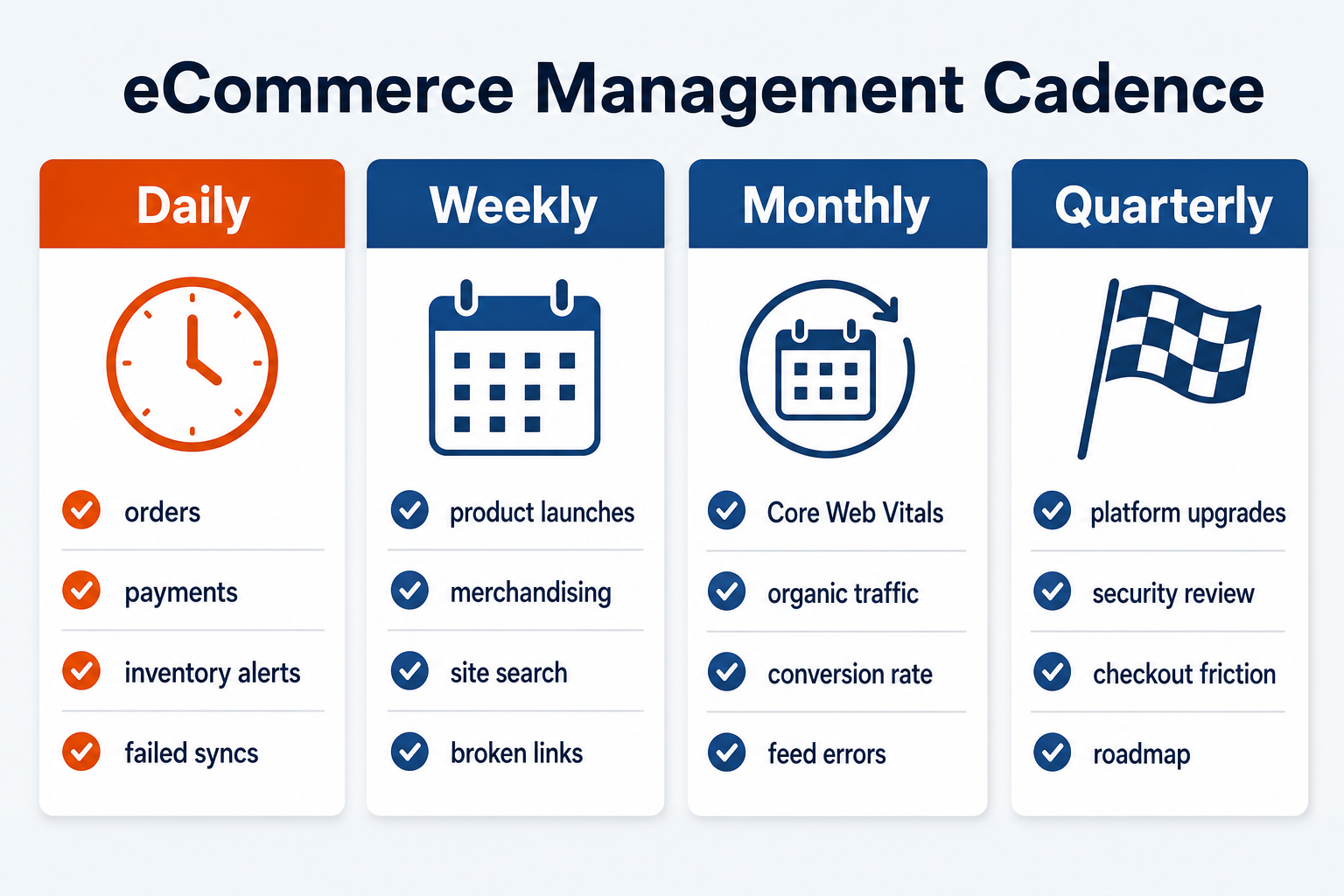
Daily checks might include order flow, payment issues, inventory alerts, customer service escalations, failed syncs, and urgent product errors.
Weekly checks might include product launches, merchandising updates, best-selling and underperforming categories, site search queries, promotion performance, broken links, and top landing page behavior.
Monthly checks might include Core Web Vitals, organic traffic, revenue by channel, conversion rate, cart abandonment, product feed errors, redirect logs, top internal searches, technical SEO issues, and content updates.
Quarterly checks might include platform upgrades, app/plugin audits, security reviews, ERP/CRM sync performance, checkout friction, category architecture, stale products, template performance, and roadmap planning.
The cadence does not need to be complicated. It needs to be owned. A small store may use a simple checklist. A larger store may need dashboards, ticketing rules, approval workflows, and agency support. Either way, the goal is the same: fewer surprises and faster improvement.
When eCommerce Management Exceeds In-House Capacity
Some ecommerce management work belongs with the internal team. Product experts know the catalog. Customer service knows recurring objections. Operations knows inventory and fulfillment. Marketing knows campaign timing and demand signals.
Outside development or ecommerce agency support becomes useful when the problem crosses systems, templates, data, and growth strategy. Common triggers include:
- Replatforming or redesigning without losing SEO equity.
- Connecting an ERP, CRM, PIM, warehouse, or marketing automation platform.
- Building B2B pricing, quoting, approval, or account-management features.
- Improving checkout, shipping, tax, or payment workflows.
- Fixing Core Web Vitals problems that come from theme, app, or script decisions.
- Cleaning up URLs, redirects, faceted navigation, or product variant indexing.
- Creating a maintenance process after the launch team has moved on.
OuterBox’s web development support can help when ecommerce management has become a technical and operational issue rather than a simple admin task. The best time to get help is before the work becomes a rushed fix during a campaign, migration, or peak season.
Manage an Ecommerce Website That Can Keep Growing
eCommerce management is not just keeping products online. It is the discipline of making the store easier to update, easier to buy from, easier to measure, and easier to improve. The CMS matters, but the process around the CMS matters just as much.
If your store is outgrowing its current workflow, start by mapping what has to be managed: product data, content, inventory, integrations, SEO, performance, checkout, reporting, and maintenance. From there, the platform and support decisions become clearer.
Frequently Asked Questions About eCommerce Management
What does ecommerce management include?
Ecommerce management includes the work required to keep an online store accurate, functional, discoverable, and profitable. That usually means product data, categories, inventory, pricing, promotions, orders, customer data, shipping, checkout, SEO, analytics, integrations, platform updates, and ongoing UX improvements.
What is the difference between an ecommerce CMS and ecommerce management?
An ecommerce CMS is the software interface used to manage store content and commerce data. Ecommerce management is the broader operating process around that software: who owns updates, how product and order data stays clean, how integrations work, and how the store keeps improving after launch.
Which ecommerce platform is easiest to manage?
The easiest ecommerce platform depends on the business. Shopify may be easier for many straightforward retail catalogs, WooCommerce may fit WordPress-centered teams, nopCommerce may fit custom Microsoft-stack requirements, and BigCommerce or Adobe Commerce may fit more complex B2B or enterprise needs. The right test is how well the platform matches the team’s real workflows.
How often should an ecommerce website be updated?
An ecommerce website should be checked daily for order, inventory, and checkout issues; updated weekly for merchandising and content needs; reviewed monthly for SEO, speed, analytics, and technical health; and assessed quarterly for platform, integration, security, and roadmap decisions. The exact cadence depends on catalog size and sales volume.
When should an ecommerce business hire outside development help?
Outside development help makes sense when store management touches code, integrations, migration risk, SEO structure, checkout logic, B2B pricing, platform upgrades, or performance problems. If internal teams can describe the issue but cannot safely change the system behind it, outside support can reduce risk and speed up the fix.